
Notion
All-in-one workspace for notes, docs, projects, and AI-powered productivity.
About Notion
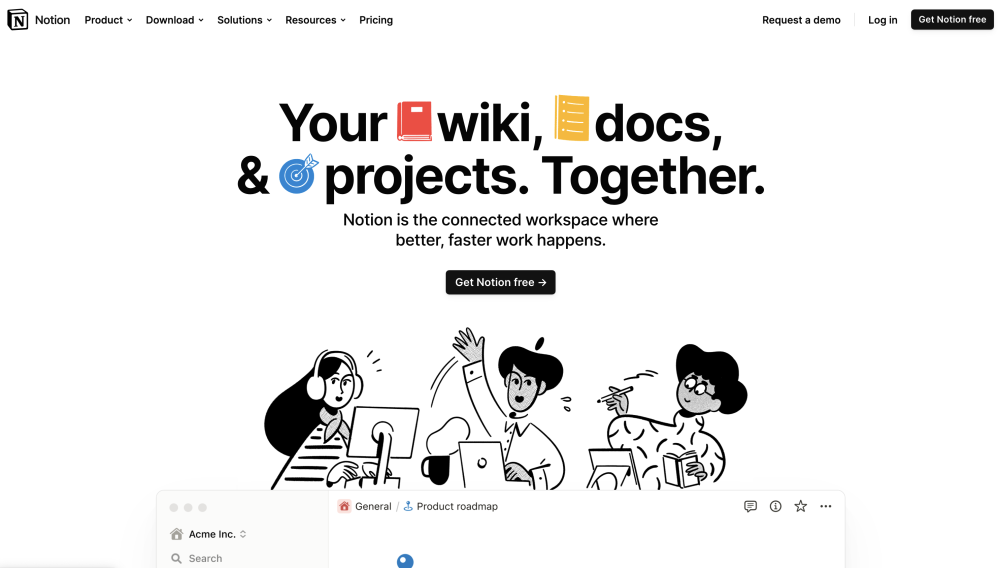
Notion: Notion is an all-in-one workspace that blends everyday work apps into one. It serves as a connected workspace for wikis, docs, and projects, leveraging AI to enhance productivity. It's designed for teams and individuals to find answers, automate busywork, and complete projects efficiently. Notion offers features like AI assistance, document creation, wikis, project management, calendars, email integration, website publishing, form creation, and integrations with other tools.
Key Features
Use Cases
Reviews (0)
Loading reviews…
Frequently Asked Questions
What is Notion?
Notion is an all-in-one workspace that blends everyday work apps into one. It serves as a connected workspace for wikis, docs, and projects, leveraging AI to enhance productivity. It's designed for teams and individuals to find answers, automate busywork, and complete projects efficiently. Notion offers features like AI assistance, document creation, wikis, project management, calendars, email integration, website publishing, form creation, and integrations with other tools.
How to use Notion?
Notion can be used as a central hub for various tasks. Users can create documents, manage projects, build wikis, schedule events with the calendar, integrate email, publish websites, and create forms. The AI assistant can be used within any Notion page to write faster, think bigger, and augment creativity. Users can download the Notion app for Windows, Mac, iOS, and Android, or use it directly in their browser.
How does Notion AI use my data?
Notion follows standard data protection practices to keep your data encrypted and private. Notion AI will not use your data to train their models unless you opt in to a request to share your data. Any information used to power Notion AI will be shared with AI subprocessors for the sole purpose of providing you with the Notion AI features. They have contractual agreements in place with their AI subprocessors that prohibit the use of customer data to train their models.
Where can I find my invoices?
Workspace admins can access, view, and download your workspace's invoices by going to Settings & members → Billing, then scrolling to Invoices. There you can click on "View invoice" to see the invoice PDF.
What is a block?
A block is any single piece of content you add to your page, like a paragraph of text, a to-do item, an image, a code block, an embedded file, etc. Think of your page as being made up of these building blocks.
Do you offer student discounts?
The Plus Plan (with a 1-member limit) is free for students and educators. Compared to the Free Plan, you’ll be able to add more guests, have access to more version history, and upload larger files. Just sign up with your school email address and you’ll immediately gain access to these features.
How is pricing calculated for the paid plans?
If you upgrade your workspace to one of the paid plans, you will be charged a fee per member. Guests are free of charge – but they can only access individual pages they are invited to. In other words, guests won’t be able to see all the team pages under the Teamspaces section in the left sidebar.
How do refunds work?
If you believe you've made a mistake signing up for a paid Notion subscription online or in-app, please contact them. They'll be happy to refund you the full amount (not pro-rated) if you downgrade your subscription within three days of signing up for monthly billing, or within 30 days of signing up for annual billing.
Quick Info
Traffic Sources
Alternatives to Notion
Similar tools you might want to compare
Framer
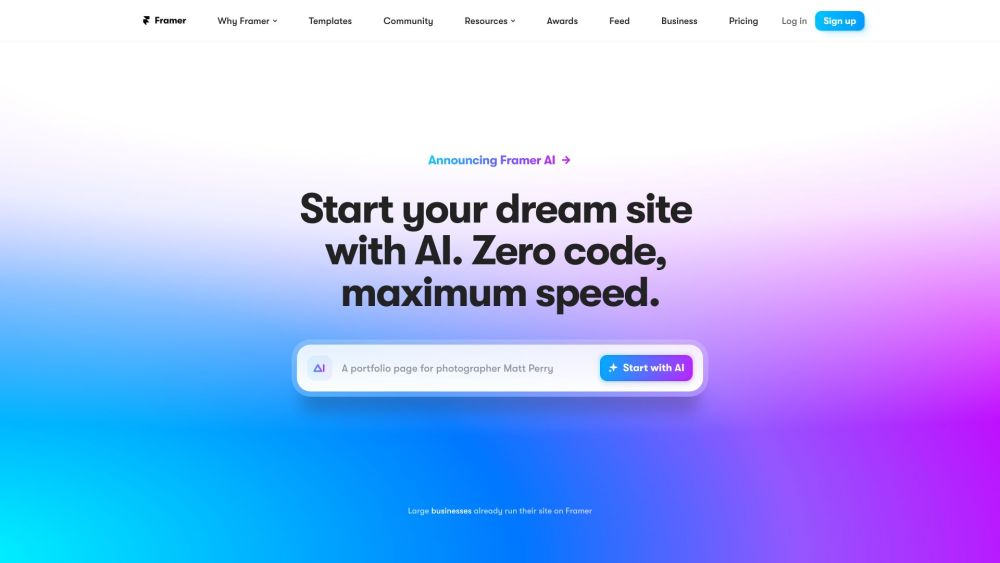
A no-code web design and publishing tool with AI and CMS features.

VidIQ
VidIQ is a SaaS platform that helps YouTube creators grow their audience using AI-powered tools.
10Web
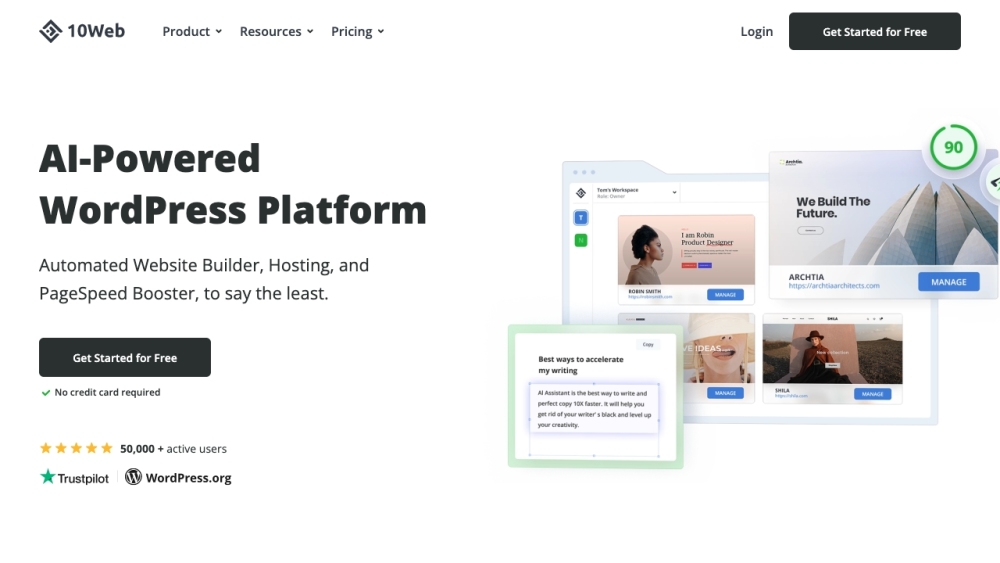
AI-powered WordPress platform for building, hosting, and scaling websites.
AISEO
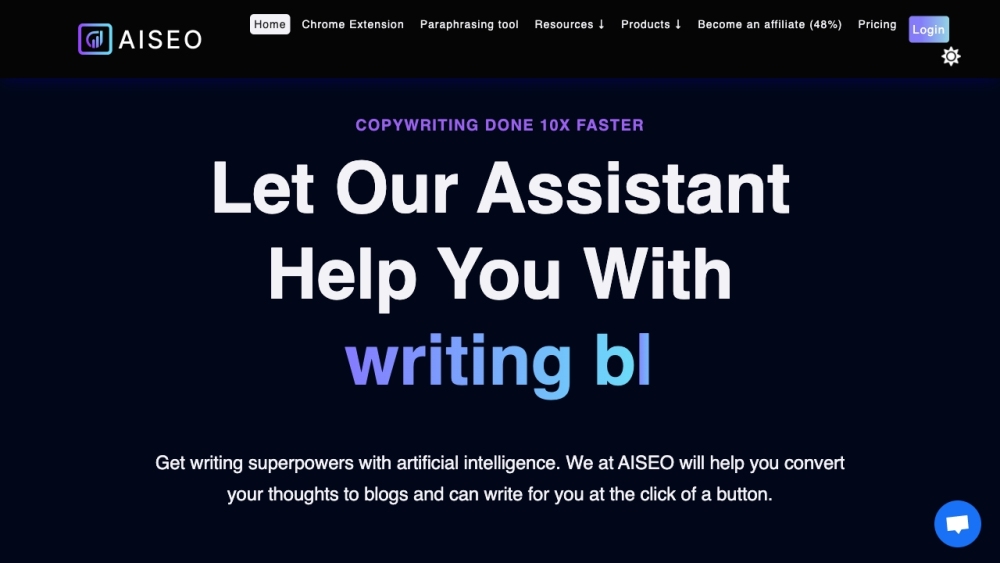
AI-driven SEO and content creation tool for generating optimized, human-like articles.
HARPA AI
HARPA AI: Chrome extension for web automation using AI.